
Geometry Dash Lite

Geometry Dash Lite is an addictive rhythm-based platformer game that challenges players to hop through obstacles to reach the end of each level. Put your skills to the limit with this fast-paced arcade game featuring catchy music and mesmerizing animations!
Geometry Dash Lite
Geometry Dash Lite is an addictive rhythm-based platformer game that challenges players to hop through obstacles to reach the end of each level. Put your skills to the limit with this fast-paced arcade game featuring catchy music and mesmerizing animations!
- Genre
- geometry
- Platform
- Web Browser
- Controls
- Desktop / Mobile
- Levels
- See levels below
- Rating
- 4.4 / 5
Related Games
Titles closest to Geometry Dash Lite by genre and gameplay tags.


About Geometry Dash Lite
Geometry Dash Lite is a trimmed version of the full game with a handful of levels and fewer unlockables. The core one-button rhythm platforming is intact — jump through spikes and sync to the soundtrack.
It works as an entry point before the paid edition or as a quick session when you want shorter charts.
How to Play Geometry Dash Lite
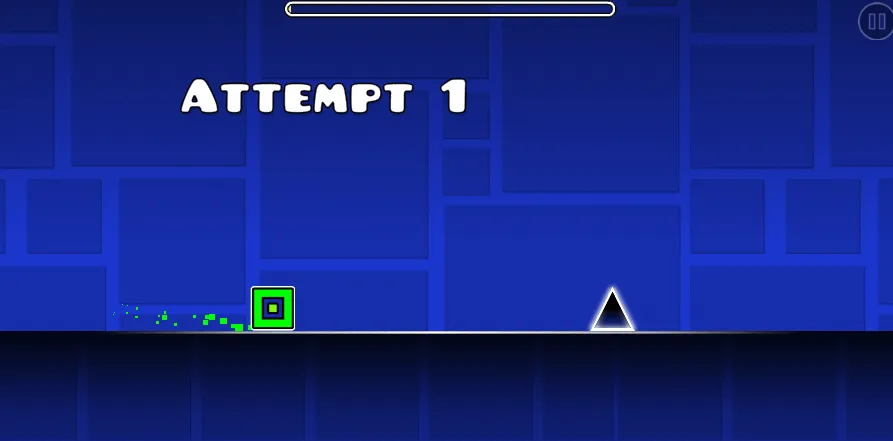
Press to jump in cube mode and hold/release in ship or wave sections depending on the level's form gates. Obstacles are placed on beat intervals, so repeated runs teach exact jump timing.
Lite includes practice mode with user-placed checkpoints on supported levels. Ship and ball forms appear in later stages with tighter spacing than the opening levels.
Progress saves locally in the browser. Completing all Lite levels prepares you for the longer maps in the full Geometry Dash experience.
Controls
These are the actual inputs used in Geometry Dash Lite.
Desktop
SPACEBAR or Left-Click = Jump. Hold down for consecutive jumps or to fly (in ship/UFO mode). The game features simple one-button controls that are easy to learn but difficult to master. Use precise timing to dodge obstacles and navigate through the colorful levels. In ship mode, hold to ascend and release to descend. In ball mode, press to change gravity. In wave mode, press to go up diagonally and release to drop down.
Mobile
Tap the screen to jump. Tap and hold for consecutive jumps or to fly (in ship/UFO mode). Touch controls are optimized for mobile gameplay with smooth and responsive mechanics. The game is fully compatible with phones and tablets, offering an intuitive one-touch control system. In ship mode, hold to ascend and release to descend. In ball mode, tap to change gravity. In wave mode, tap to go up diagonally and release to drop down.
Geometry Dash Lite Tips and Tricks
Lite scope
Finish the included levels completely before chasing user coins — layouts are short enough to memorize in one sitting.
Checkpoint habit
Place practice markers before triple-spike clusters; they repeat across multiple Lite stages.
Jump buffer
Tap slightly early on fast cube streams — late inputs hit the spike row behind you.
Ship light touch
Pulse the button in ship corridors instead of holding through the whole tunnel.
Audio first
If visuals blur at speed, follow the kick drum for jump cadence.
Levels and Difficulty
See levels below- 1
Structure
10 official levels in difficulty order: Stereo Dash, Back On Track, Polargeist, Dry Out, Base After Base, Can't Let Go, Jumper, Time Machine, Cycles, xStep.
- 2
Progression
Each hides 3 secret coins off the main path.
- 3
Challenge
Cube, ship, and ball portals appear from level 4 onward.
Gameplay Screenshots
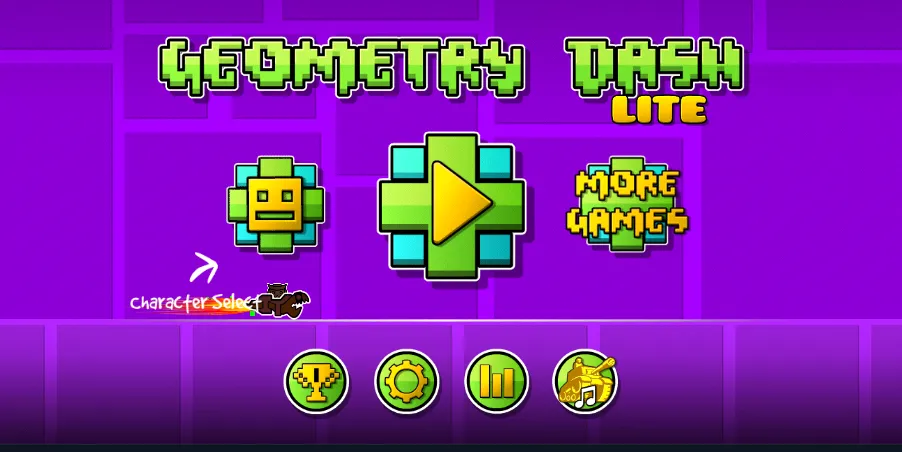
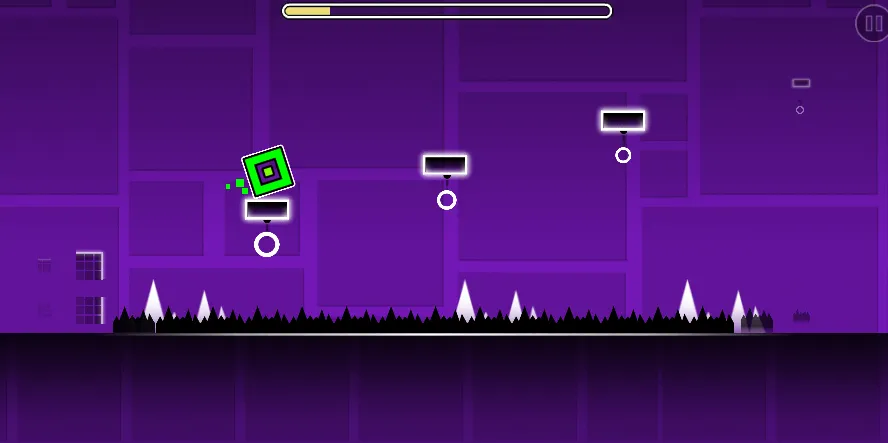
In-game captures from Geometry Dash Lite. Use the arrows or wait for auto-play.
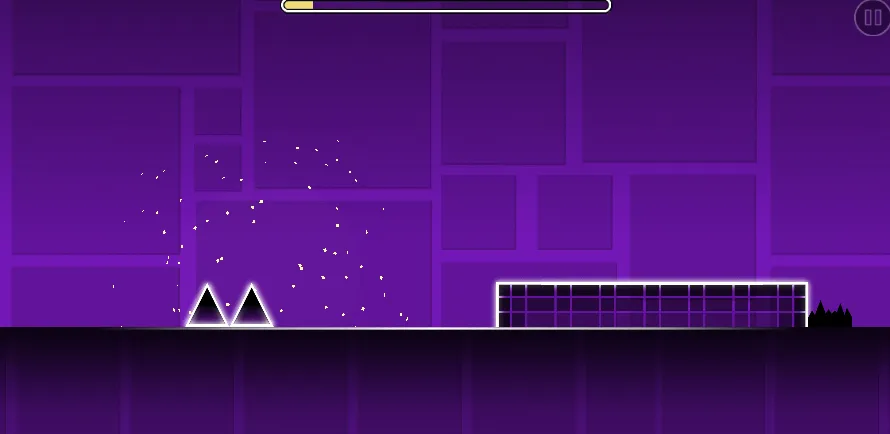
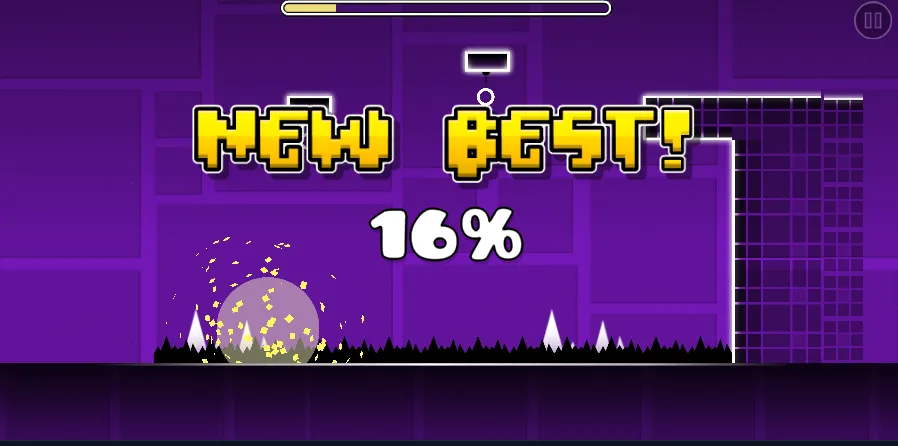
Screenshot 1 of 5
Frequently Asked Questions
What is Geometry Dash Lite?
A free, limited version of Geometry Dash with fewer levels and features but the same rhythm-jump gameplay.
How do I jump?
Click, tap, or press space/up arrow once per jump in cube sections. Other forms use hold and release.
Is Geometry Dash Lite free?
Yes. It is designed as a free browser-friendly slice of the main game.
Can I play on mobile?
Yes. Single-tap controls map cleanly to cube and many ship sections.
Does progress carry to full Geometry Dash?
No. Lite is separate; skills transfer but saves do not.
Player Comments
(0)No comments yet
Be the first to share how Geometry Dash Lite plays for you — controls, difficulty, or mobile tips welcome.