Geometry Vibes 3D

Geometry Vibes 3D

Geometry Vibes 3D icon

Geometry Vibes 3D

geometry
4.5/ 5
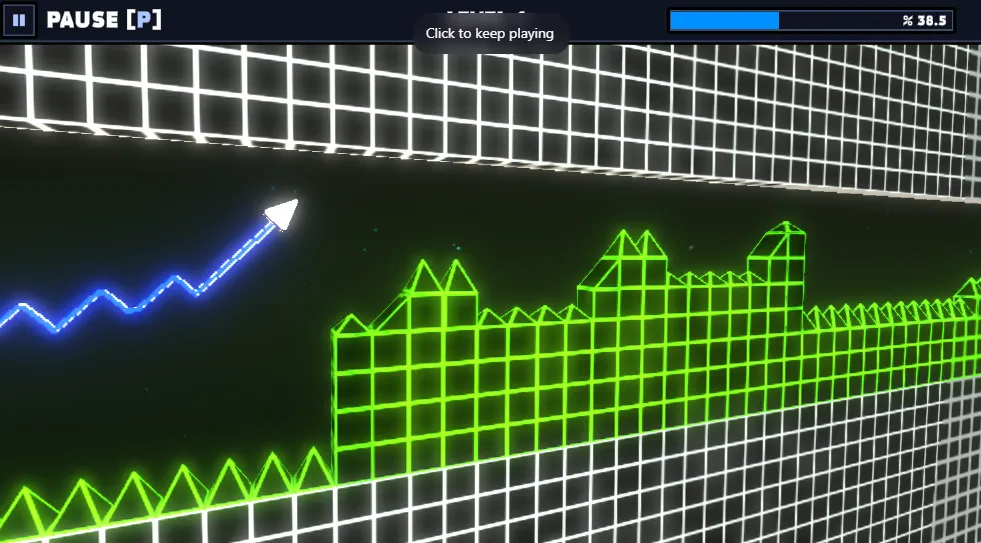
Geometry Vibes 3D is a vibrant 3D rhythm-based arcade game where your reflexes and timing are everything. Navigate through dynamic 3D levels filled with spikes, traps, and intense timing challenges across multiple difficulty modes and game types!
popular

Game Details

Game Introduction

Step into a vibrant 3D rhythm world where your reflexes and timing are everything. Geometry Vibes 3D delivers fast-paced action, stunning visuals, and addictive gameplay perfect for quick sessions anytime, anywhere. This mobile-optimized version takes the classic Geometry Vibes experience into a fully immersive 3D environment with dynamic levels, collectible stars, and multiple game modes. With smooth touch controls designed for mobile gameplay, vibrant 3D visual effects, and immersive sound design, this game offers an elevated experience that challenges both beginners and experts. The game features 3 difficulty options (Rookie, Pro, and Expert), a comprehensive star collection system, and exclusive unlockable content that keeps players engaged for hours.

How to Play

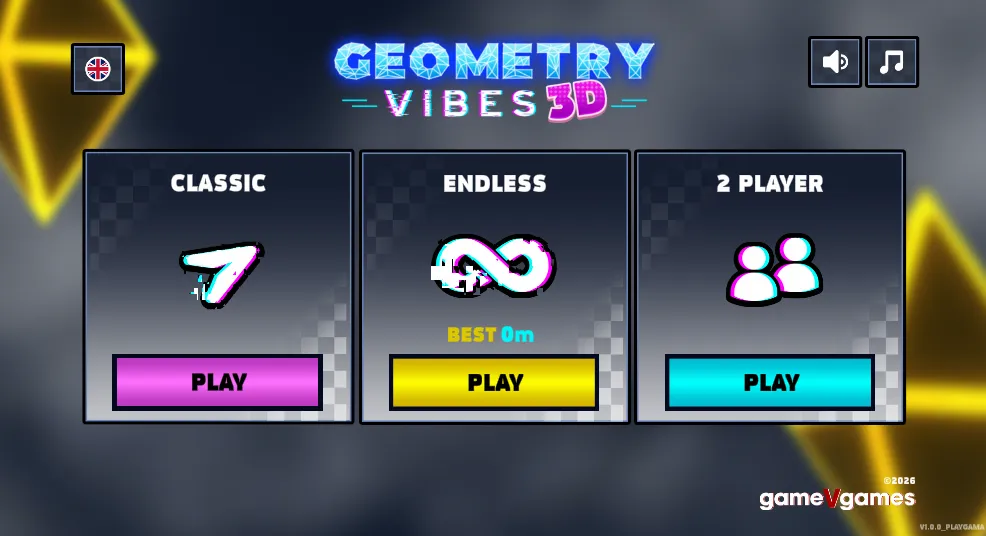
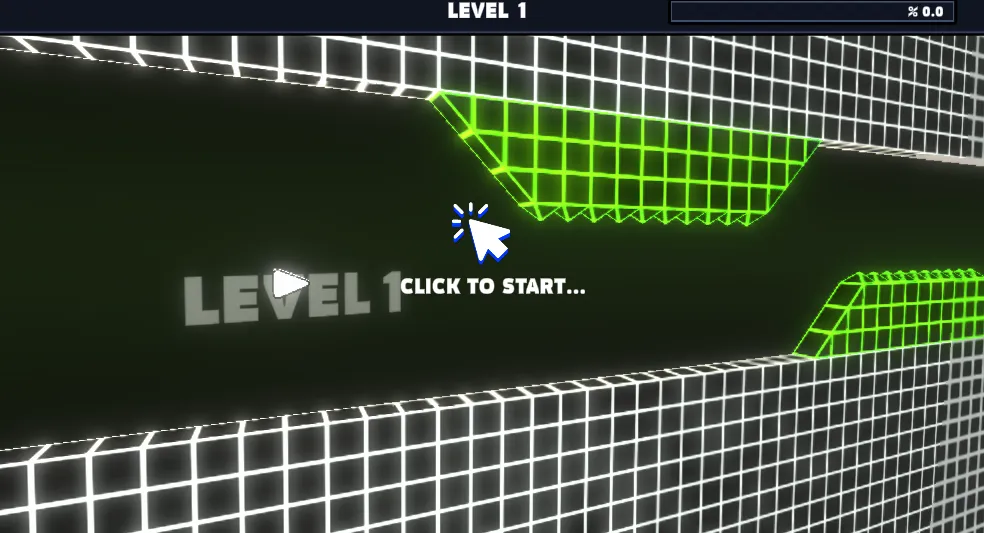
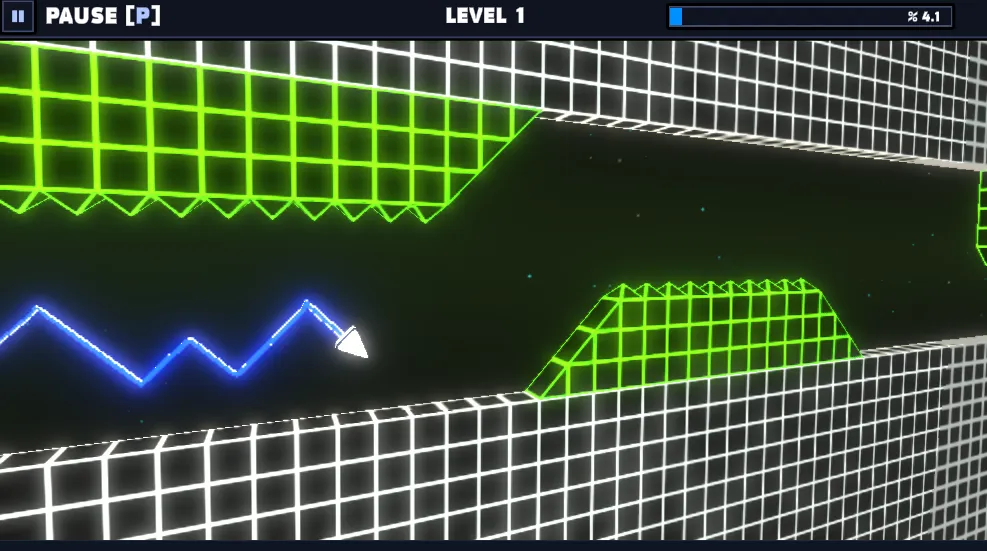
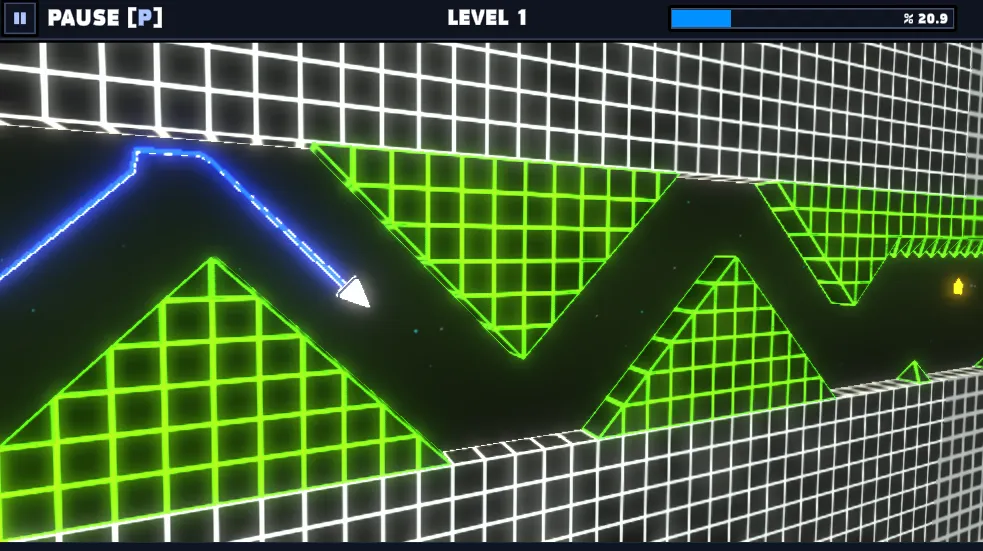
Geometry Vibes 3D focuses on precise timing and quick reflexes as you navigate through challenging 3D obstacle courses. Tap anywhere on the screen (or click on PC) to jump and time your taps perfectly to avoid obstacles and reach the finish line. The game features smooth touch controls designed specifically for mobile gameplay, with dynamic 3D levels filled with spikes, traps, and intense timing challenges. You can pass through space, ground, and ceiling without obstacles, but touching any obstacle results in game over. The game includes Classic Mode with 10 handcrafted levels, Endless Mode for infinite challenges, and 2-Player Mode for local multiplayer competition. Each level progressively increases in difficulty, testing players' reflexes with complex obstacle arrangements. The 3D environment adds depth and visual appeal while maintaining the core rhythm-based mechanics that make the series so addictive.

Original Playtest Review

During recent playtest sessions on Geometry Vibes 3D, we focused on repeatability, not one lucky clear. The first goal was to establish a stable opening route that reduces random input spikes. In early attempts, the main failure pattern was over-correcting after near misses. Once we switched to smaller corrections and pre-read obstacle timing one pattern earlier, clear consistency improved significantly. This is especially important in geometry games where speed rises faster than player confidence.

Our route planning is divided into three windows: setup phase, pressure phase, and conversion phase. In setup, we prioritize safe positioning over score greed. In pressure, we accept that one controlled loss is better than panic movement that ruins the whole run. In conversion, we preserve rhythm and avoid unnecessary risk. This framework works well for Geometry Vibes 3D because the game rewards composure and pattern memory more than raw reaction bursts.

We also tested mobile and desktop controls separately. Desktop usually delivers cleaner micro-adjustments, while mobile can still perform well if you shorten session length and avoid fatigue drift. The most common mobile mistake is late correction after visual overload; the fix is to anchor your eye line slightly ahead of your avatar and trust your rhythm rather than reacting to the current obstacle too late. For players switching devices, keep route logic identical and only adapt input sensitivity.

For difficult sections, we recommend segment-first practice: run the same risk cluster repeatedly until your success rate is above 70 percent before trying full clears. Players who practice entire runs too early often plateau because they collect too little high-quality repetition on the true choke points. In Geometry Vibes 3D, the key choke points are usually transition edges where pacing changes suddenly. If you fail there repeatedly, reduce speed expectations and rebuild timing windows from a calmer baseline.

Failure analysis showed five recurring causes: greedy line selection, delayed release timing, panic correction after collision scares, poor camera focus discipline, and session fatigue. Every cause has a direct mitigation: choose safer lanes when score is unstable, commit to release timing cues, reset posture after near misses, keep a fixed visual scan lane, and cap intense sessions at manageable intervals. These are simple habits, but they produce measurable consistency gains.

Finally, the most practical way to improve in Geometry Vibes 3D is to track process metrics instead of only final score. Log your best clean segment, your most frequent death pattern, and your average recovery quality after mistakes. Over one week of focused practice, these metrics usually improve before leaderboard score does. When they do, score follows naturally. This is the same method we use for all core game pages on GeometryArrow.info and it is the reason our route suggestions prioritize reliability over flashy but unstable plays.

Practical execution checklist for Geometry Vibes 3D: before each attempt, define one specific objective such as cleaner transition timing, fewer panic corrections, or safer lane discipline. During the run, evaluate only the chosen objective and avoid mentally scoring every small mistake, because overloaded self-feedback creates delayed reactions. After each attempt, write a one-line review with the exact failure trigger and immediate fix. This micro-loop improves learning speed more than repeating long unfocused runs. For consistency training, use a three-cycle block: two conservative attempts focused on accuracy, then one optimization attempt focused on efficiency. If optimization breaks consistency, return to conservative rhythm and rebuild. Players who follow this pattern for a week usually improve both completion rate and score stability. In our test sessions, this method reduced repeat deaths in transition zones and improved control quality under fatigue. Also apply a stop rule: after three frustration runs, take a short reset break to prevent reinforcing bad timing habits. The objective is sustainable improvement, not maximum retries in a single session.

Playthrough Route

  • Opening route: prioritize safe lanes and low-variance movement during the first 20-30 seconds.
  • Mid route: read one hazard group ahead and avoid greedy score lines when recovery space is small.
  • Transition route: slow your correction amplitude when pace changes or camera rhythm shifts.
  • Pressure route: keep rhythm packets short and reset to center line after each complex obstacle.
  • End route: preserve consistency over speed spikes and close with controlled inputs.

Common Failure Points

  • Over-correction after near misses causes chain collisions.
  • Late reaction to transition hazards between pattern blocks.
  • Greedy coin/score lines taken without exit space.
  • Input drift under fatigue during long sessions.
  • Ignoring rhythm cues and reacting visually too late.

Difficulty Breakdown

  • Early section: low-to-medium pressure, ideal for route setup.
  • Middle section: highest consistency check with dense obstacle timing.
  • Late section: execution-heavy, requires composure and clean release timing.
  • Overall: skill growth comes from repetition quality, not random retries.

Segment Tips

  • Use short input bursts in narrow windows.
  • Recover to neutral line after each hazard.
  • Trade risky lines for stable clears until consistency rises.
  • Pause briefly between attempts to reduce panic carryover.
  • Track one failure cause per run and apply one correction only.

Game Screenshots

screenshot-1
screenshot-2
screenshot-3

Tips & Tricks

  • Master the timing: Perfect timing is crucial for success. Practice the rhythm of tap and release to navigate through tight spaces.
  • Collect all stars: Each level in Classic Mode has 3 stars to collect. Focus on collecting stars to unlock exclusive arrow skins and customization options.
  • Start with Rookie difficulty: Begin with the Rookie difficulty to learn the basic mechanics before advancing to Pro and Expert modes.
  • Use the music as a guide: The game features immersive sound design that can help you sync your movements with the rhythm.
  • Practice in Endless Mode: Use Endless Mode to improve your reflexes and timing without the pressure of completing specific levels.
  • Stay calm under pressure: As levels become more challenging, maintaining composure is crucial. Don't panic when multiple obstacles appear.
  • Learn the patterns: Each level has fixed patterns. Observe and memorize these patterns to improve your performance on subsequent attempts.
  • Compete with friends: Use 2-Player Mode to challenge friends and improve your skills through friendly competition.

Levels & Difficulty

Geometry Vibes 3D features multiple exciting game modes with endless replayability:

• Classic Mode: Race through 10 handcrafted levels filled with spikes, moving walls, and tricky platforms. Each level has 3 collectible stars for a total of 90 stars across all difficulties. • Endless Mode: See how far you can go in a never-ending stream of 3D chaos. Compete globally on the leaderboard and challenge your reflexes as difficulty increases. • 2-Player Mode: Play with a friend on the same device to see which arrow can go further in local multiplayer competition. • Difficulty Modes: Choose from Rookie, Pro, and Expert settings, each offering 30 levels with progressively increasing challenges. • Market System: Spend your hard-earned stars to unlock exclusive arrow skins, 3D skins, and trails to customize your gameplay experience.

Controls

PC: Click anywhere on the screen to jump, or use the left mouse button. Time your clicks perfectly to avoid obstacles and reach the finish line. The game is optimized for both mouse and keyboard controls.
Mobile: Tap anywhere on the screen to jump. Touch controls are fully supported and optimized for mobile gameplay, ensuring smooth and responsive mechanics on both phones and tablets.

FAQ

Q: How do I improve quickly in this game?

A: Practice the hardest segment separately, then reconnect segments into full runs once your segment clear rate is stable.

Q: Why do I keep failing after good starts?

A: Most players fail from over-correction after near misses. Use smaller recovery inputs and keep a fixed visual scan lane.

Q: Is mobile harder than desktop?

A: Usually yes for precision inputs, but mobile performance becomes stable when sessions are shorter and rhythm-based inputs are used.

Q: Should I chase score lines every run?

A: Only after consistency is established. Reliability first, optimization second.

Update Log

  • 2026-06-22 - Expanded page to original playtest structure with segmented route guidance and FAQ.
  • 2026-06-18 - Refined controls and obstacle timing notes for improved readability.
  • 2026-06-10 - Verified core gameplay flow and refreshed metadata consistency.
Published: 2025-08-09
Updated: 2025-08-11
geometry
3d
rhythm
arcade
reflex
timing
obstacle avoidance
fast-paced
skill
challenge
multiplayer
stars
customization
mobile-optimized
leaderboard

Player Comments

(7)
JO

joeex

Jul 10, 2026

quick review - ran fine at school on chromebook. no install needed worth a try

TA

taylor.wright

Jun 28, 2026

tried this on my phone yesterday. pc click > spacebar for me but ymmv still playing

ET

ethanbaker

May 5, 2026

ok so solid between-homework game coming back tomorrow

JE

jessica_f

Feb 25, 2026

after like 20 deaths: late parts need calm taps. panic = restart every time 4/5

JA

jake.h

Jan 16, 2026

chromebook check: better than expected for free browser game gg

TO

tomwl

Jan 13, 2026

played this on lunch break. if you like geometry dash style stuff this hits 3 stars till i beat the hard part then 5 lol

BR

broberts

Jan 2, 2026

honestly me and my kid took turns. both failed a lot, still fun worth a try

Leave a comment about Geometry Vibes 3D

Comments save in this browser only.